01 | Interactive Switch Off/On
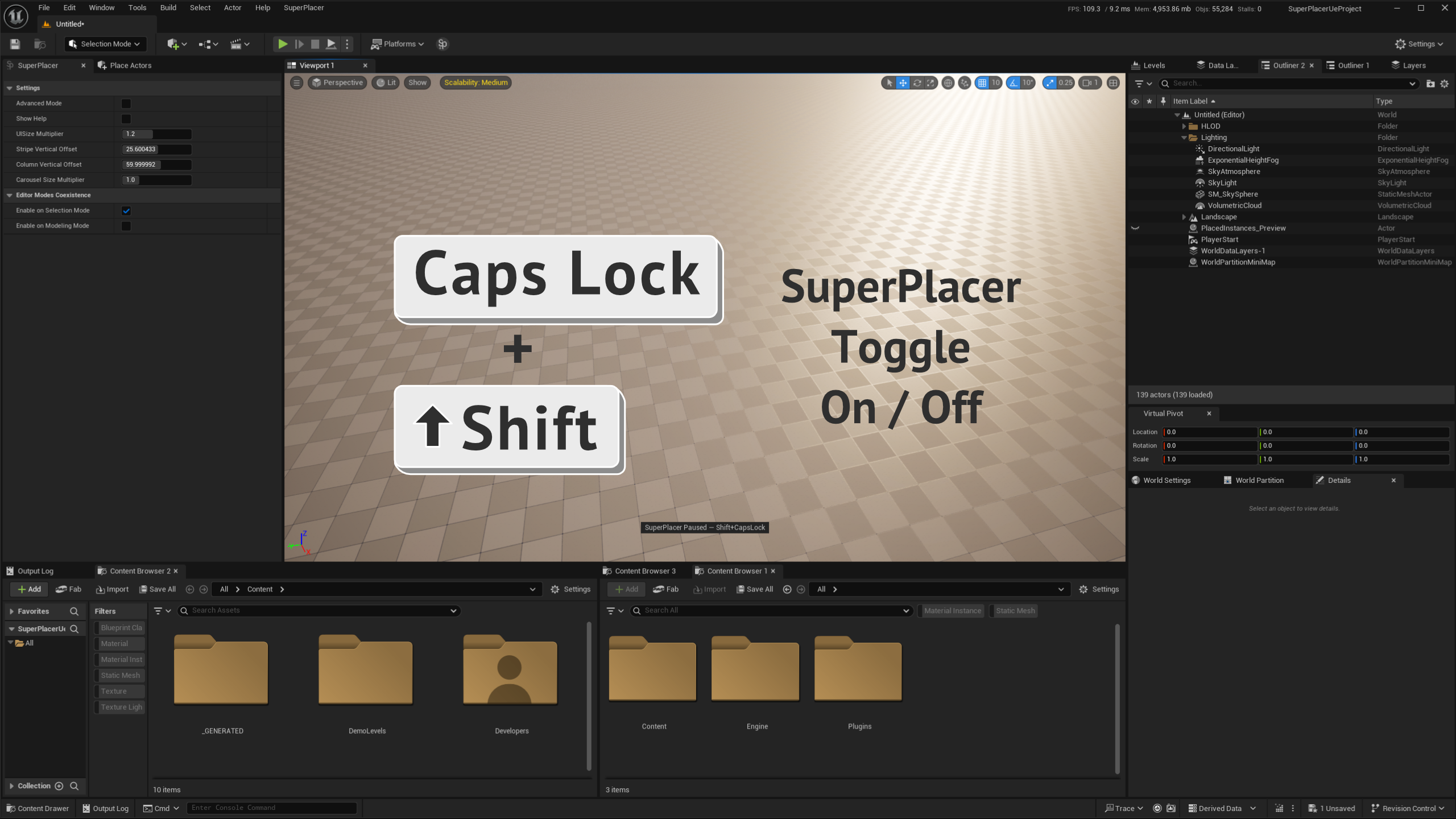
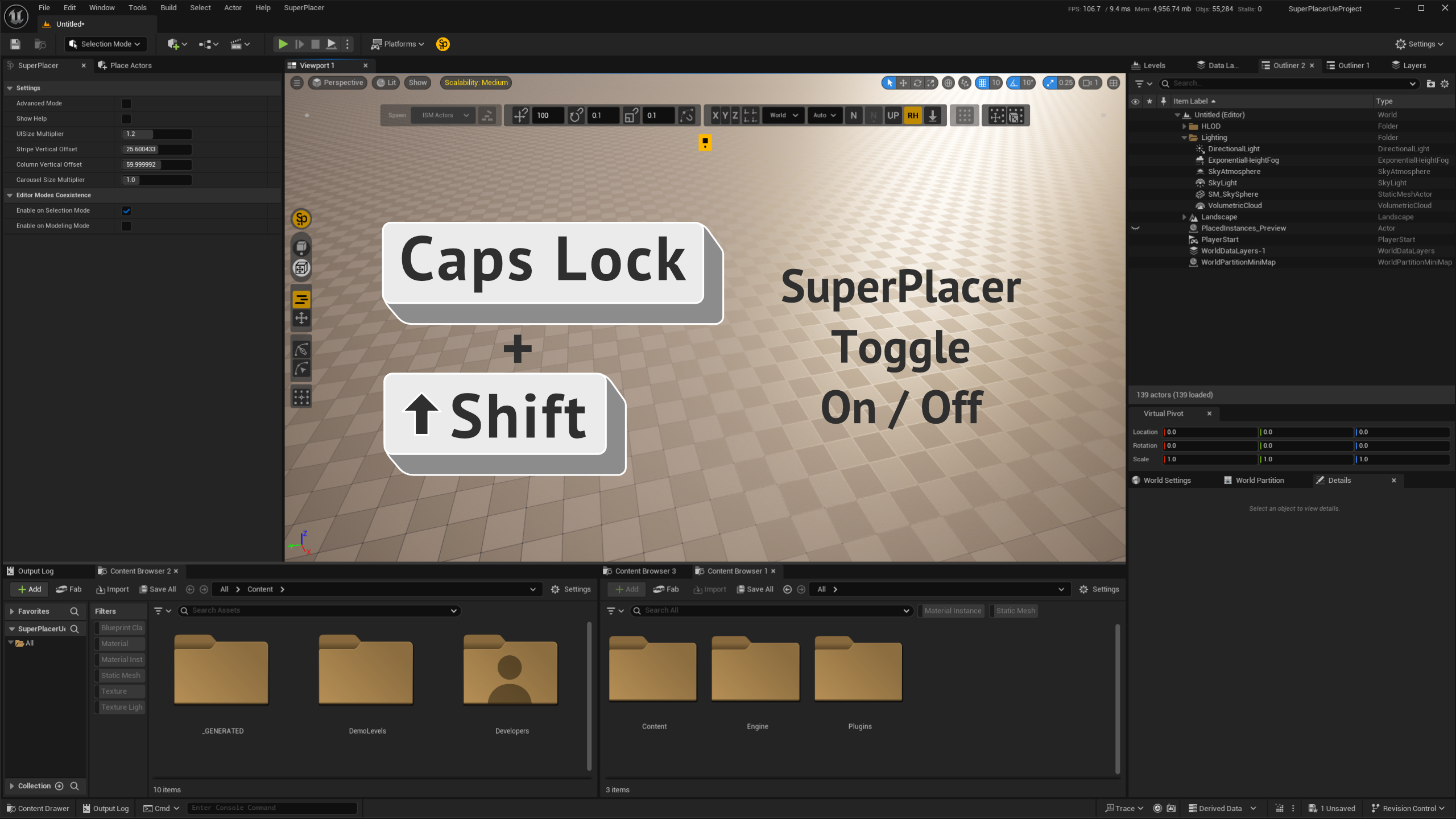
SuperPlacer modifies how you control Unreal Engine and may intercept your hotkeys. If something doesn't behave the way you're used to, the first thing to do is quickly and easily switch SuperPlacer off with Shift + CapsLock. The plugin sleeps instantly and hands basic control back to the editor — and wakes up just as instantly when you press Shift + CapsLock again. The SP button does the same thing.
02 | Reset Config
You can reset the settings of SuperPlacer by deleting the file SuperPlacer.ini
UeProject\Saved\Config\WindowsEditor\SuperPlacer.ini